Where to buy
 Download
 Contact Us


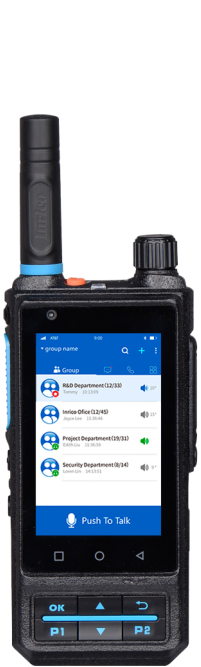

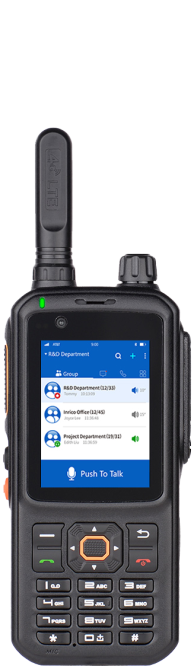
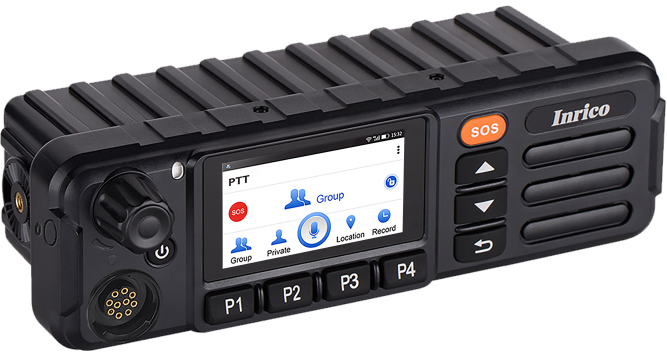
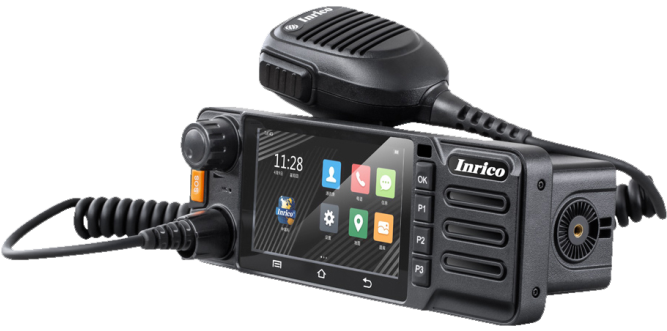
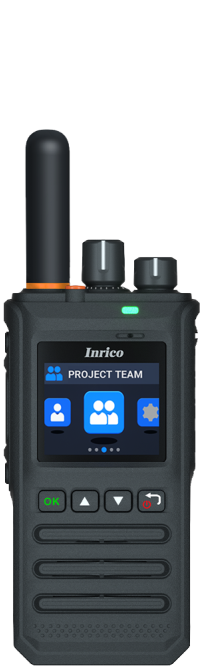
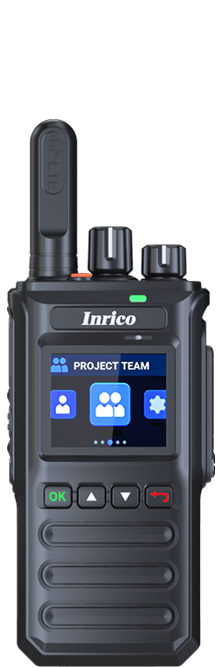



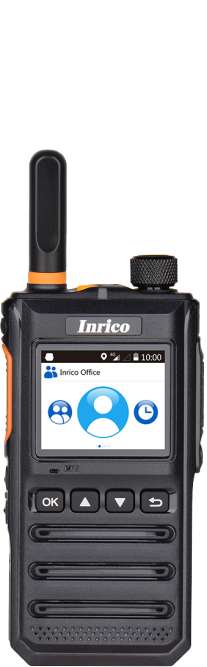
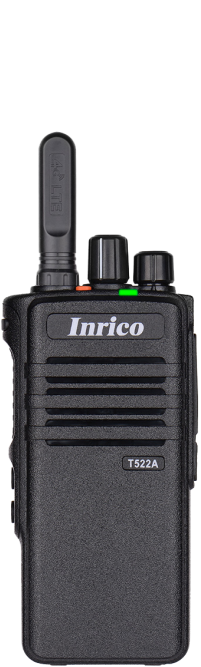

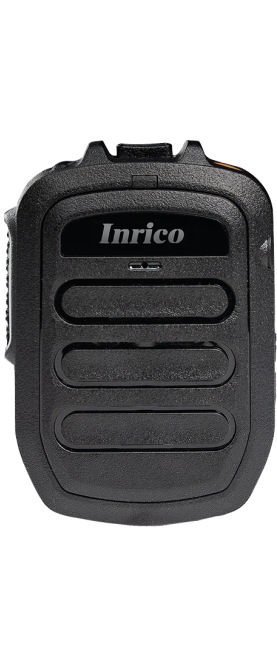
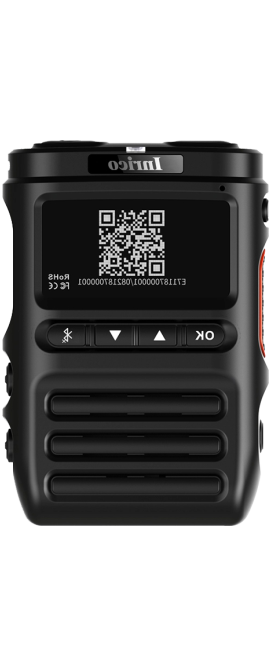

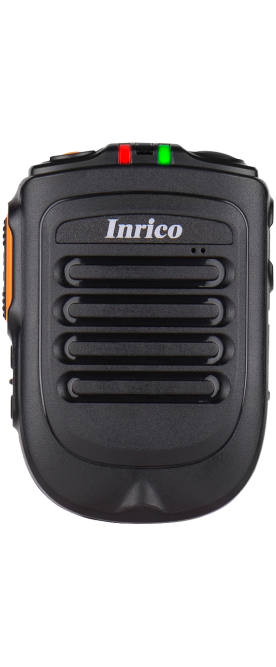







T330&T338
Rugged Smart PoC Radio
More




Inrico has long been known for its innovative and durable communication tools, especially in tough environments. One of the standout features of our hybrid radio devices, like the IRC380, is their multi-mode radio functionality. However, there may be situations where you need to switch off this feature for more focused communication. If you're unsure how to do this, don’t worry! We'll guide you step-by-step.
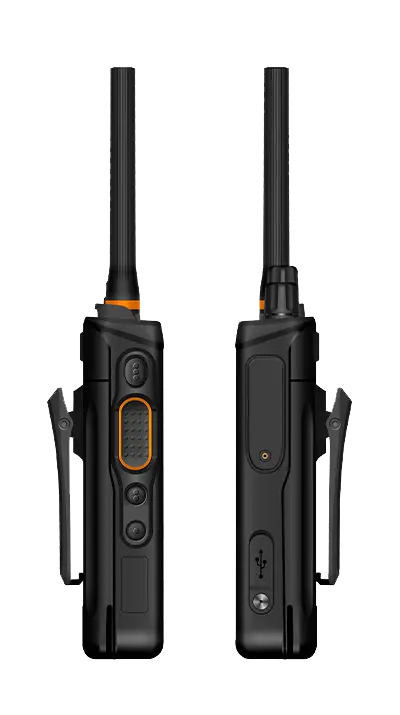
Understanding the Multi-Mode Radio Feature
The multi-mode radio feature is one of the defining characteristics of Inrico devices like the IRC380. This feature allows the radio to connect to different communication networks simultaneously, such as public and private systems. It's a fantastic way to stay connected, whether you're on a busy construction site or coordinating a public safety operation.
Hybrid radios give you the flexibility to operate across different modes without switching between devices. Inrico has integrated this functionality into its design, making it incredibly user-friendly and efficient for all types of professionals. In environments where communication is mission-critical, such flexibility is essential.
Steps to Disable Multi-Mode Radio on Inrico Devices
If you're looking to turn off multi mode advanced radio on your Inrico device, here's how to do it:
Access the Settings Menu: First, press the menu button on your device and navigate to the "Network" or "Radio Settings" section.
Find the Multi-Mode Option: In the settings, you should see a "Mode" or "Multi-Mode" option listed. This controls whether the device connects to multiple networks or just a single one.
Disable Multi-Mode: Simply select the multi-mode radio option and toggle it off. This will deactivate the feature, and your device will revert to using only one communication network at a time.
Save Your Settings: Don’t forget to save your settings after making this change to ensure the device remembers your preferences.
If you're having trouble navigating the settings or can't find the option, make sure your device's firmware is up to date. Sometimes, a simple update can resolve minor glitches.
The Impact of Disabling Multi-Mode on Your Radio's Performance
When you turn off the multi-mode radio functionality, your device will focus on a single network. This could reduce power consumption and extend battery life, which is especially beneficial in long-duration operations. However, it also means you won't have the flexibility to switch between networks if needed, which may limit your communication range and options.
It's essential to consider when it's best to disable this feature. If you're in an environment where you only need to connect to one network, turning off multi-mode can improve your radio's performance and make it easier to use. For example, when you’re conducting routine operations in a stable environment, this might be the ideal mode.
If you ever need to switch back to multi-mode radio, you can easily do so by following the same steps and toggling the setting back on.
Conclusion
Inrico's hybrid radio devices like the IRC380 are built to be flexible and robust, offering great communication options for users. Turning off the multi-mode radio feature is a straightforward process that can optimize your device for specific tasks. Whether you're troubleshooting, managing power consumption, or just prefer single-mode communication, these simple steps will help you control your device's functionality effectively.